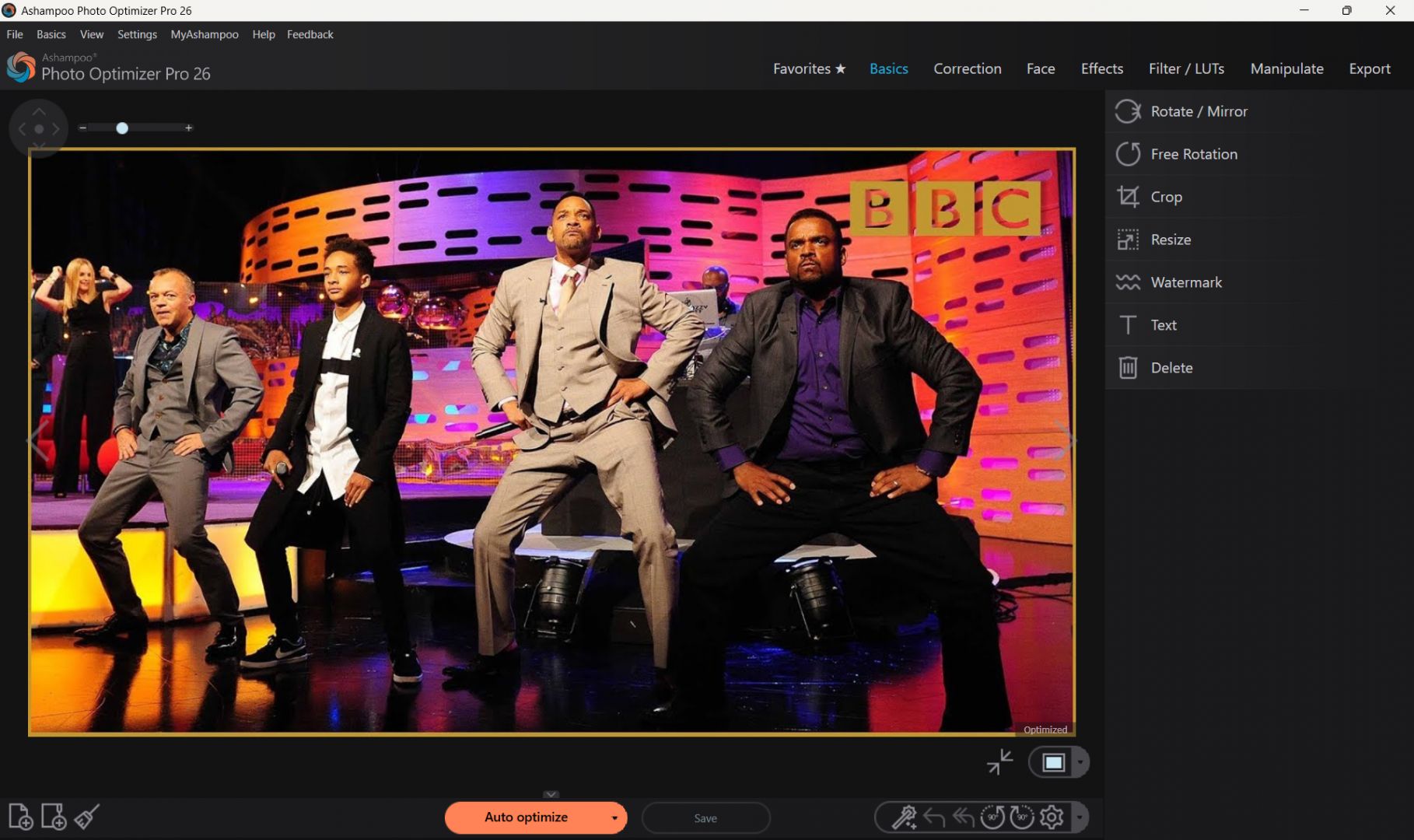
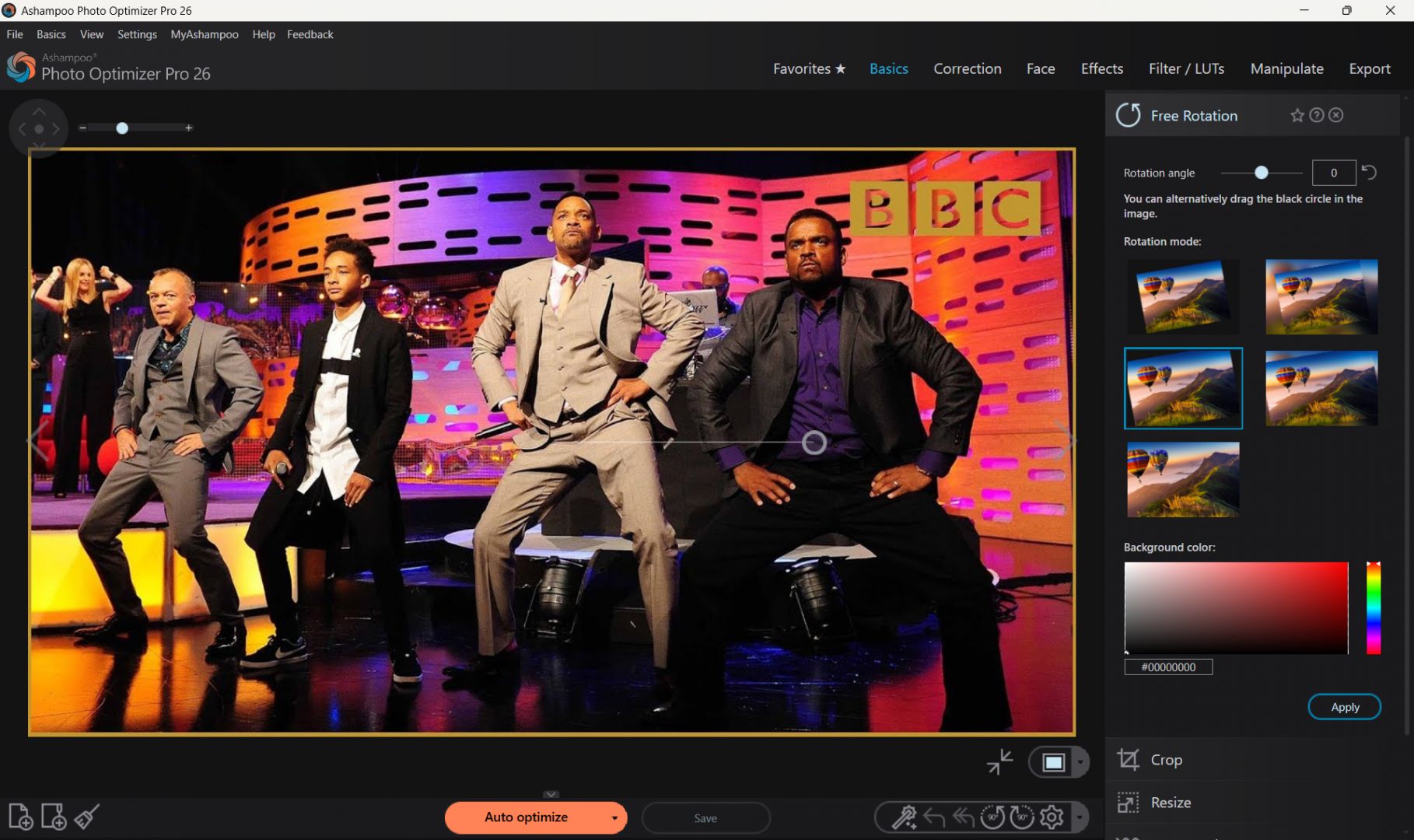
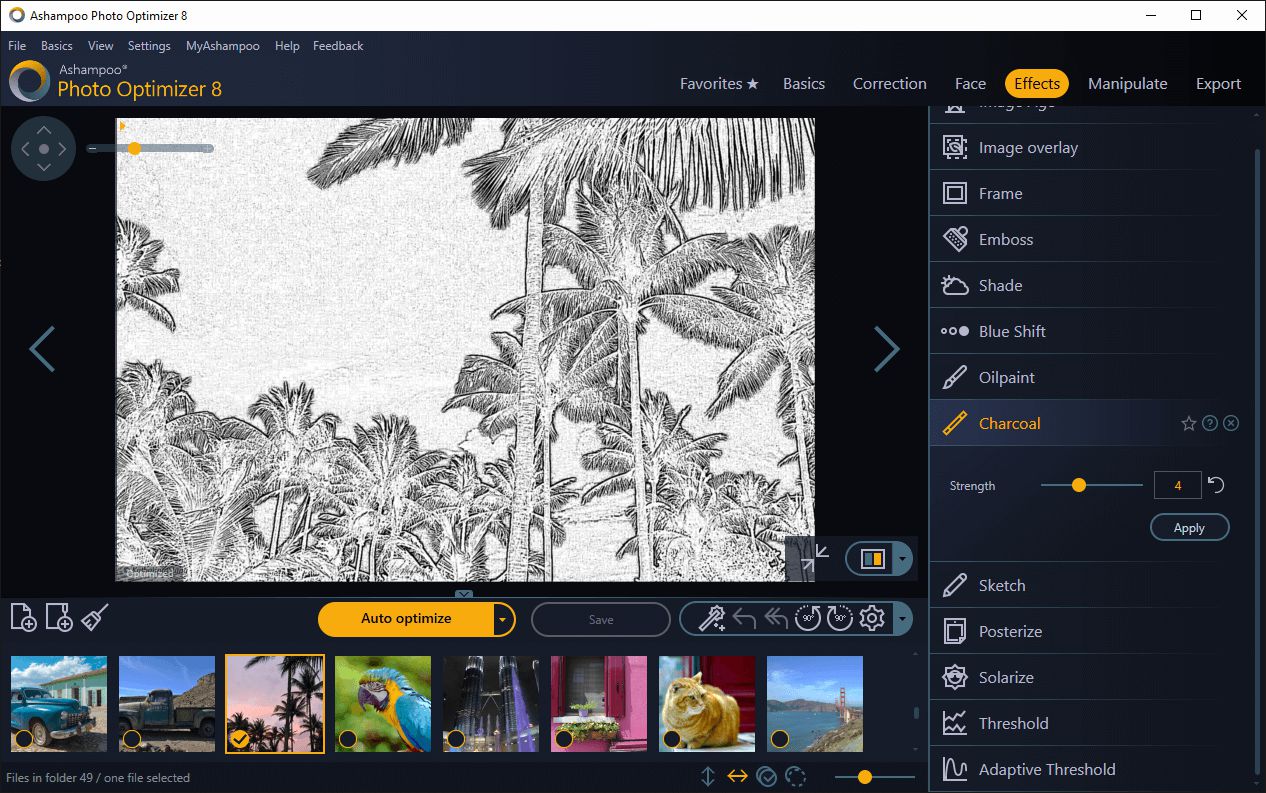
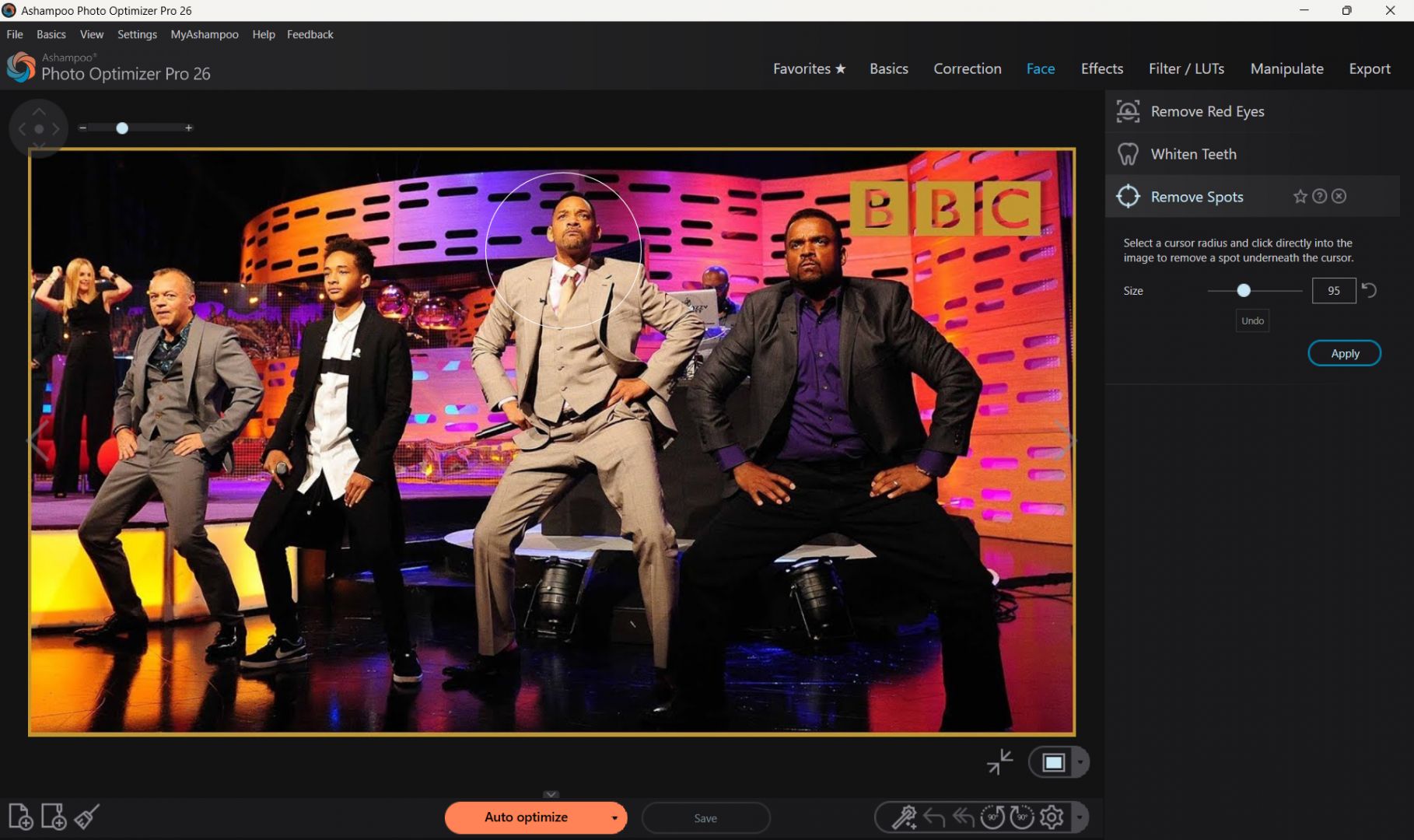
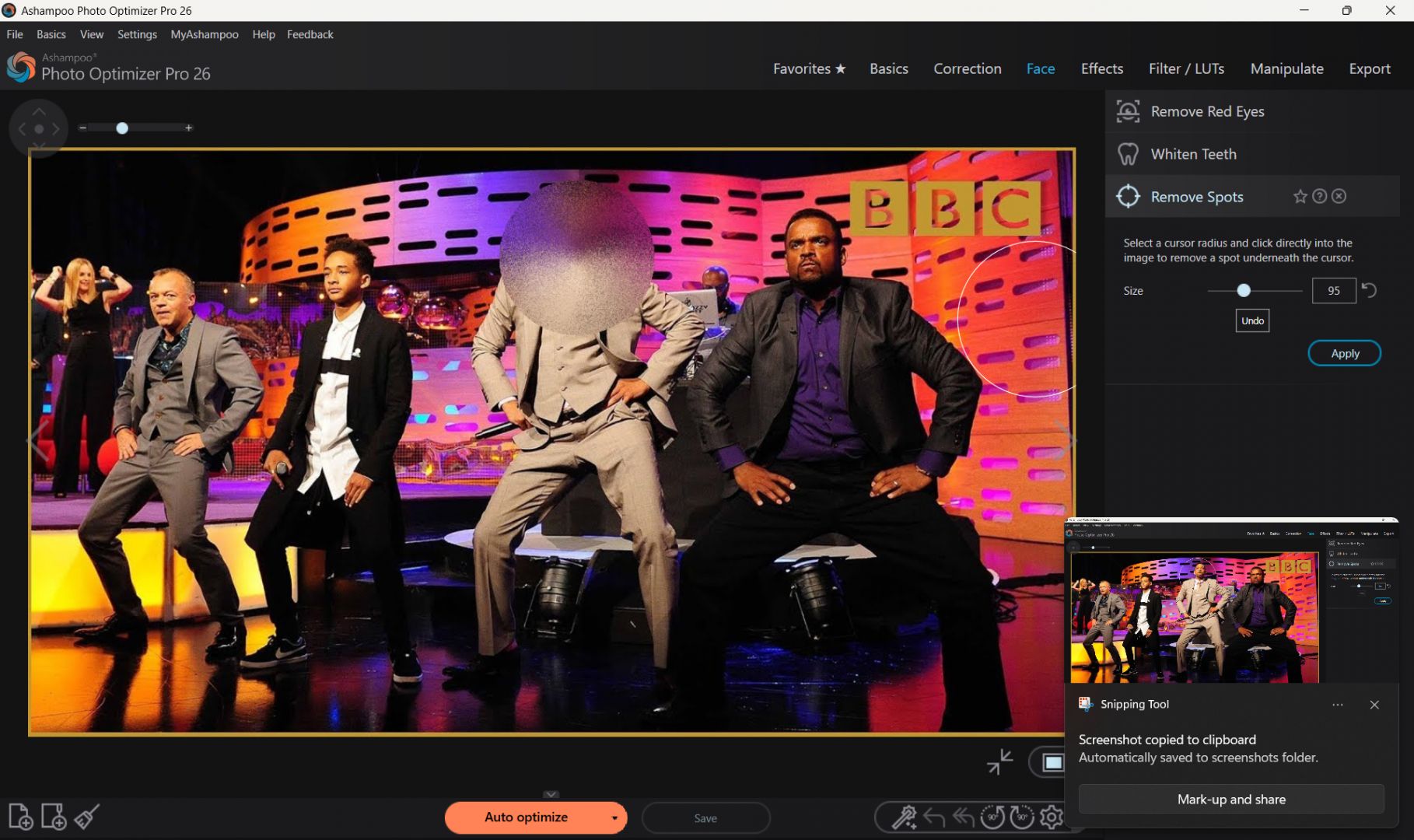
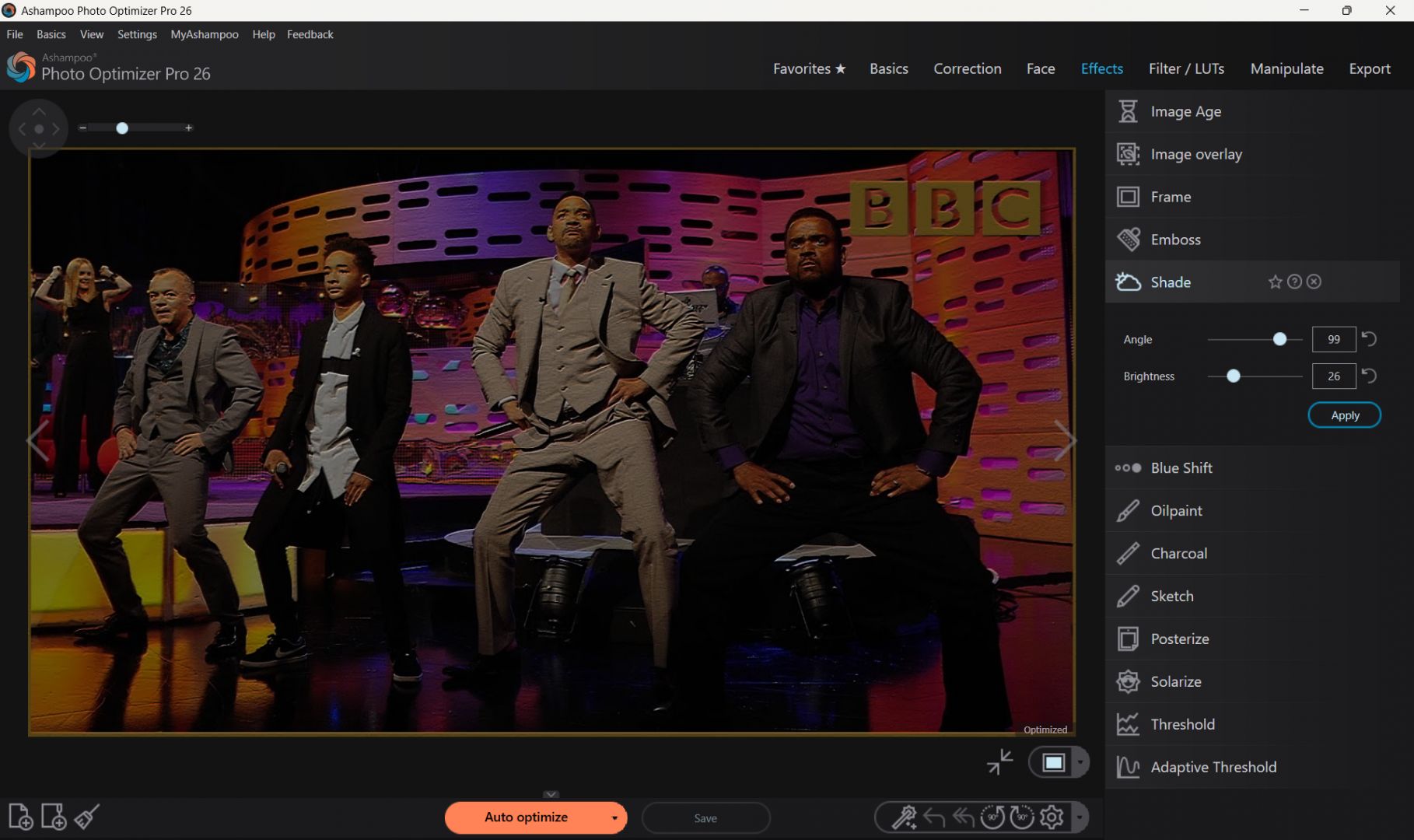
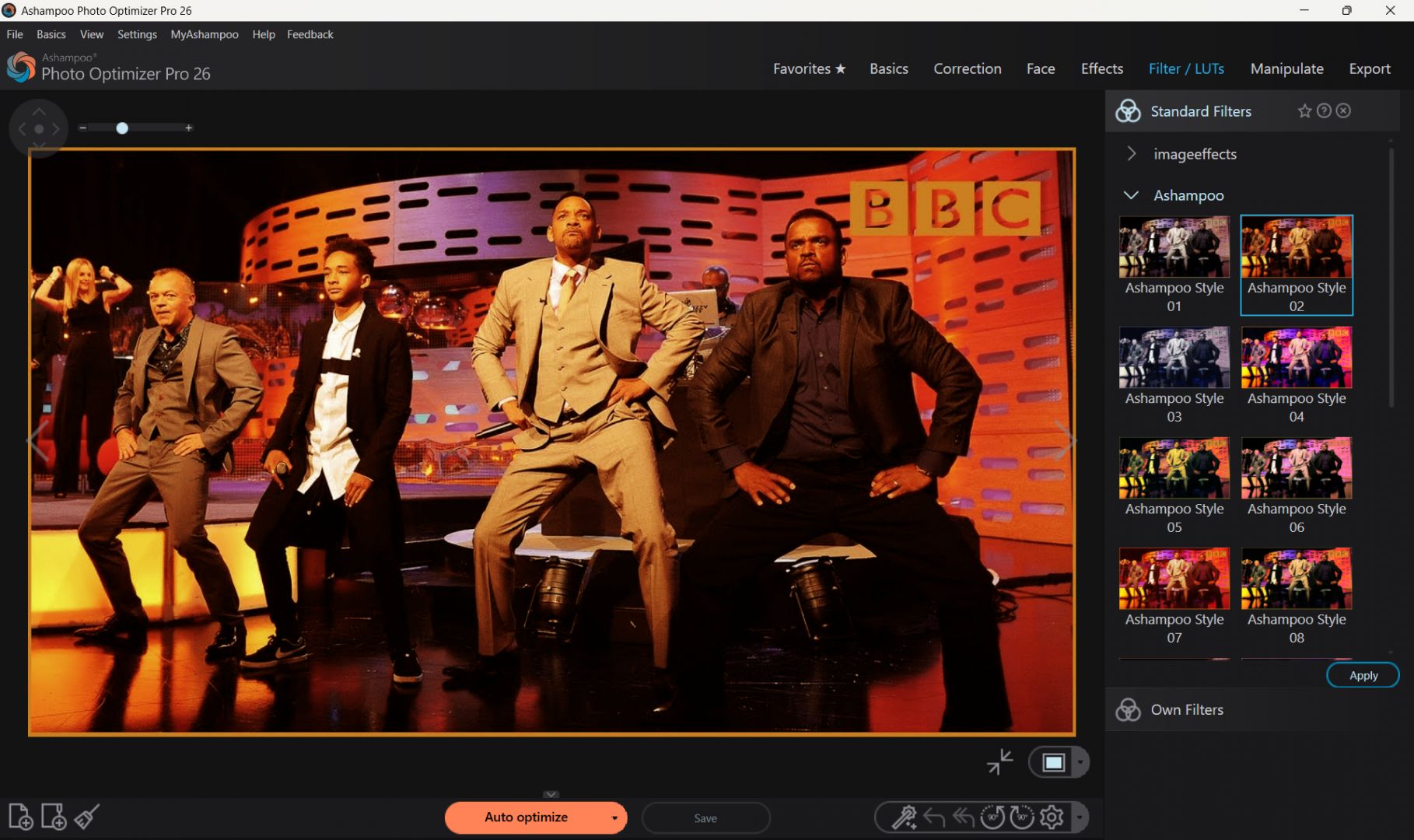
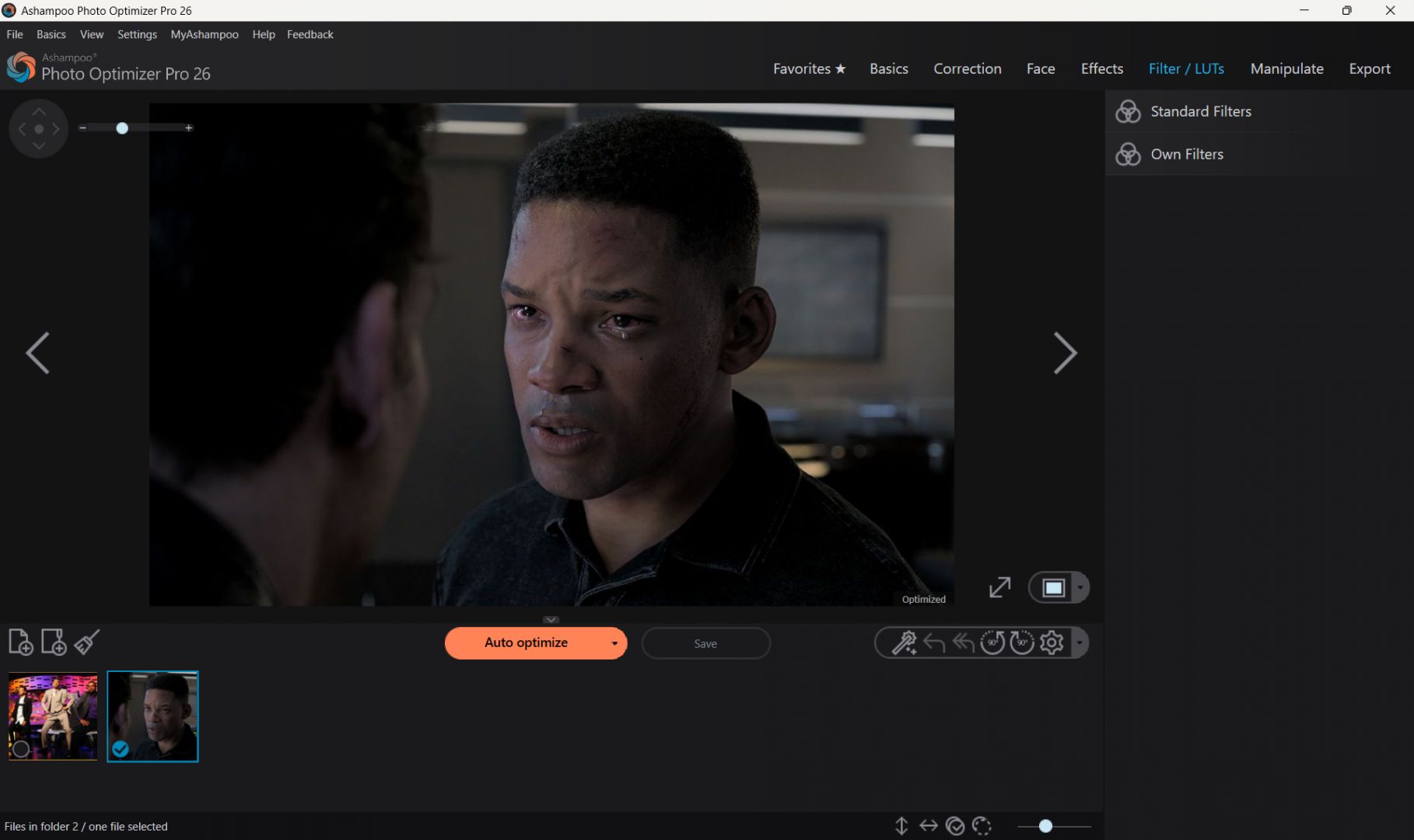
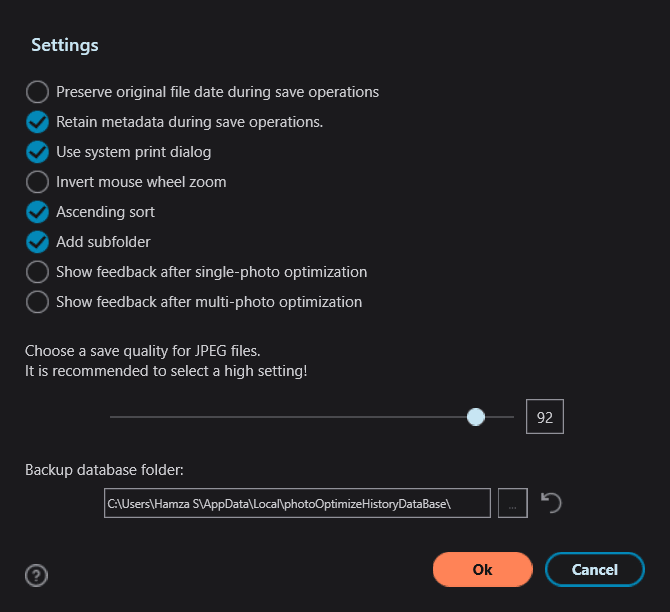
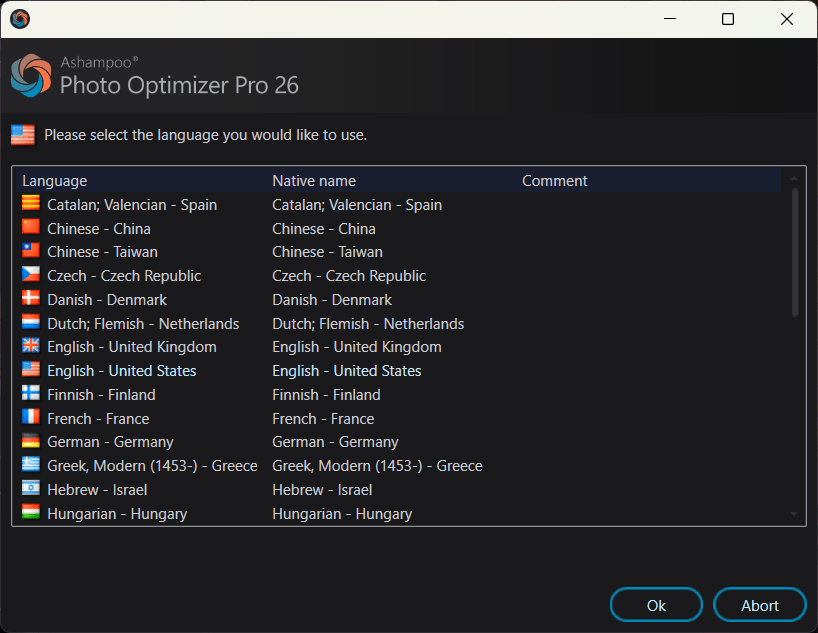
Ashampoo Photo Optimizer is a photo editing application for Windows. Designed by Ashampoo, it helps you quickly improve the appearance of your images with minimal effort. The software provides the right tools to ensure your photos are ready for sharing almost as soon as you open them.
As an automation-focused application rather than a complex editing suite, it caters primarily to casual users, enthusiasts, and beginners. If you want to quickly prepare photos for social media or personal archives, this is an excellent choice. You can perform fast one-click optimizations that instantly adjust color balance, contrast, and sharpness.
Automatic photo enhancement tools
The core focus of Ashampoo Photo Optimizer is its automatic enhancement engine. With a single click, the application analyzes your photos and applies adjustments to improve lighting, clarity, and overall image quality. While seasoned editors might prefer manual control, this automated approach keeps things fast and simple.
These automatic optimizations prove especially handy for photos that are too dark, washed out, or lack clarity. The software uses built-in algorithms to balance colors, optimize contrast, and automatically adjust the white balance.Editing features and image adjustments
Beyond simple automatic enhancements, the application offers the essential manual editing tools a casual user or beginner needs. You can tweak brightness, contrast, color temperature, and cropping, or apply features like red-eye removal, perspective correction, LUT filters (Look-Up Tables), and watermarking.
Keep in mind that this is not a professional photo editing application, meaning it lacks the technically deep features required for complex layer-based workflows.Ease of use and workflow
Like most Ashampoo applications, Photo Optimizer places a strong emphasis on user-friendly design. You can access most features with a few clicks navigating through its clean, modern interface.
A convenient split-screen preview system lets you compare edited images with the original versions in real time, making it easy to evaluate changes before saving. Batch editing support speeds up the workflow when you need to process large groups of photos.Pricing
Ashampoo Photo Optimizer is available as a paid application, often featuring promotional discounts. You can access a 30-day free trial by signing up with your email, allowing you to test the complete capabilities of the software before purchasing.A beginner-friendly solution for quick photo improvements
Ashampoo Photo Optimizer offers a fast and approachable way to improve photos without requiring advanced editing knowledge. Its one-click optimization, simple interface, and batch processing capabilities make it a practical option if you want quick image enhancements.
While it is not designed for professional photographers or advanced editing workflows, it remains a convenient and user-friendly photo optimization tool for everyday use.